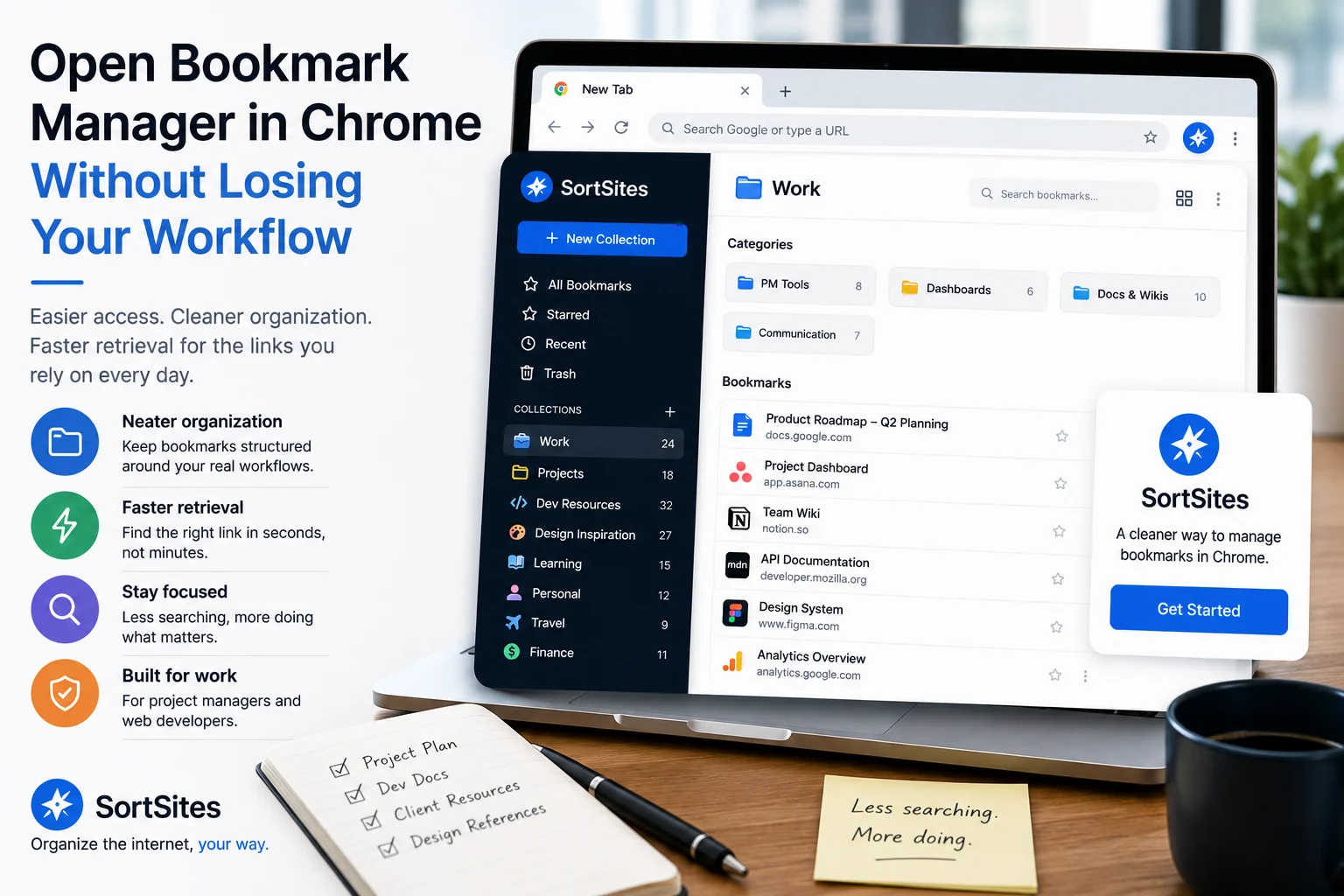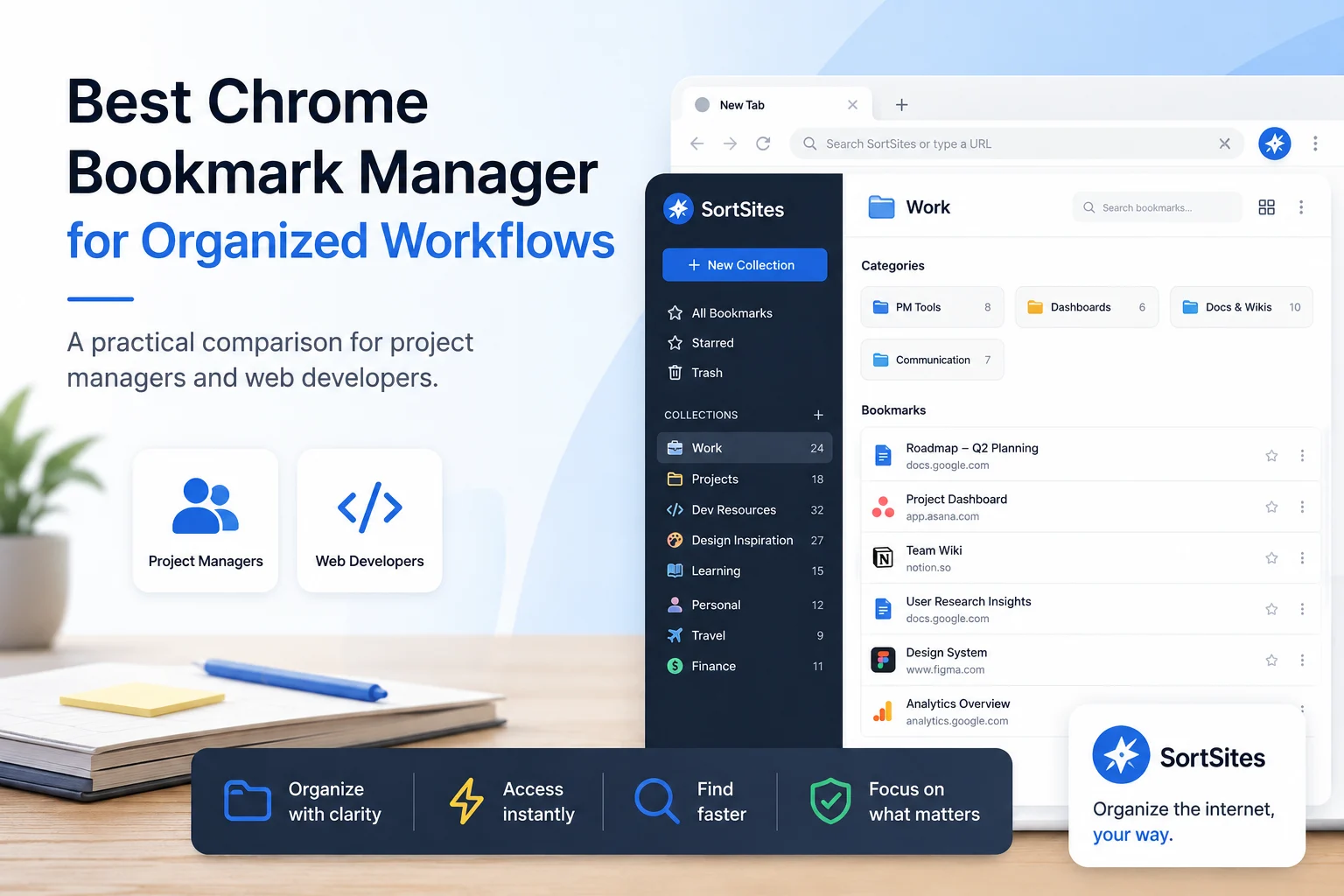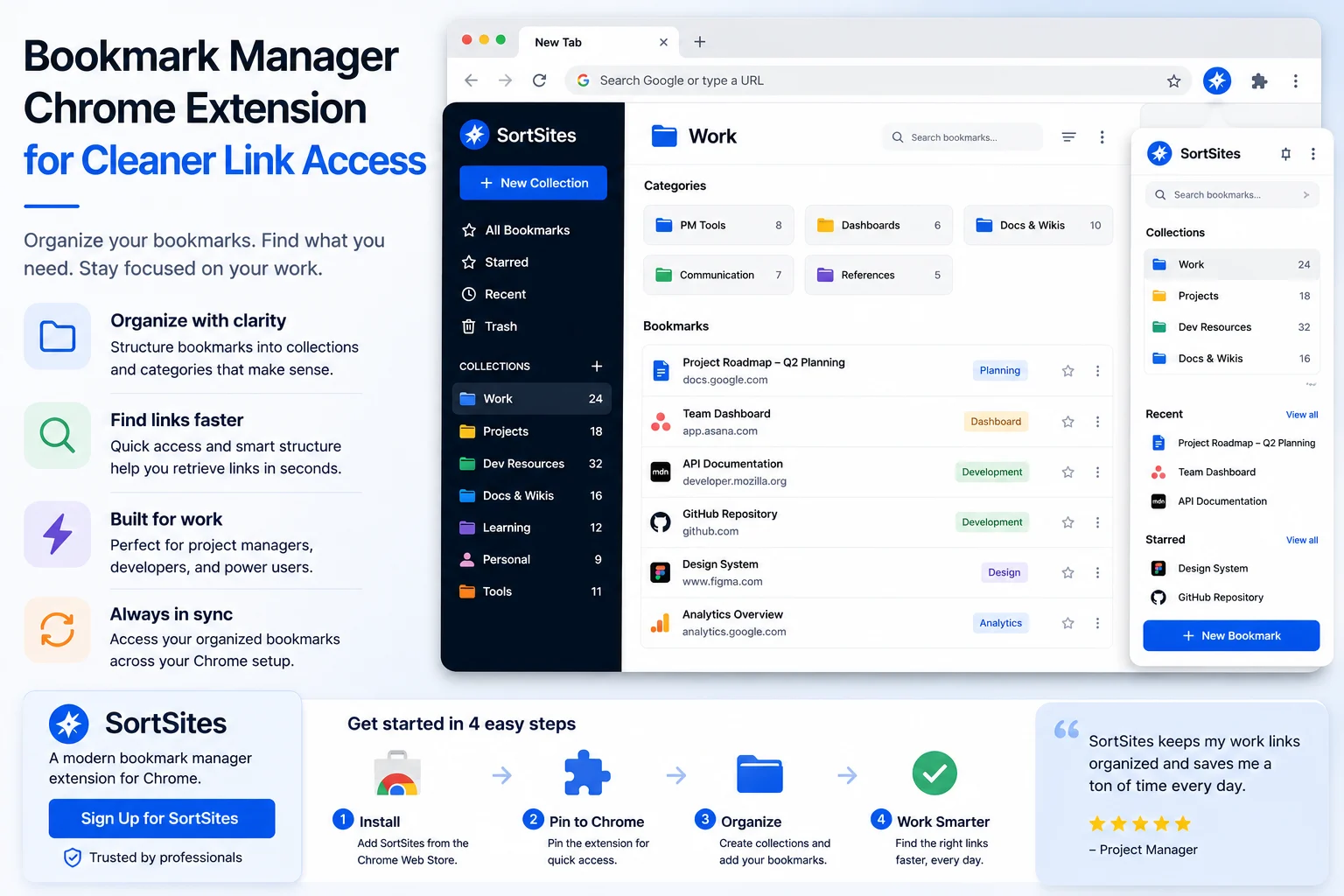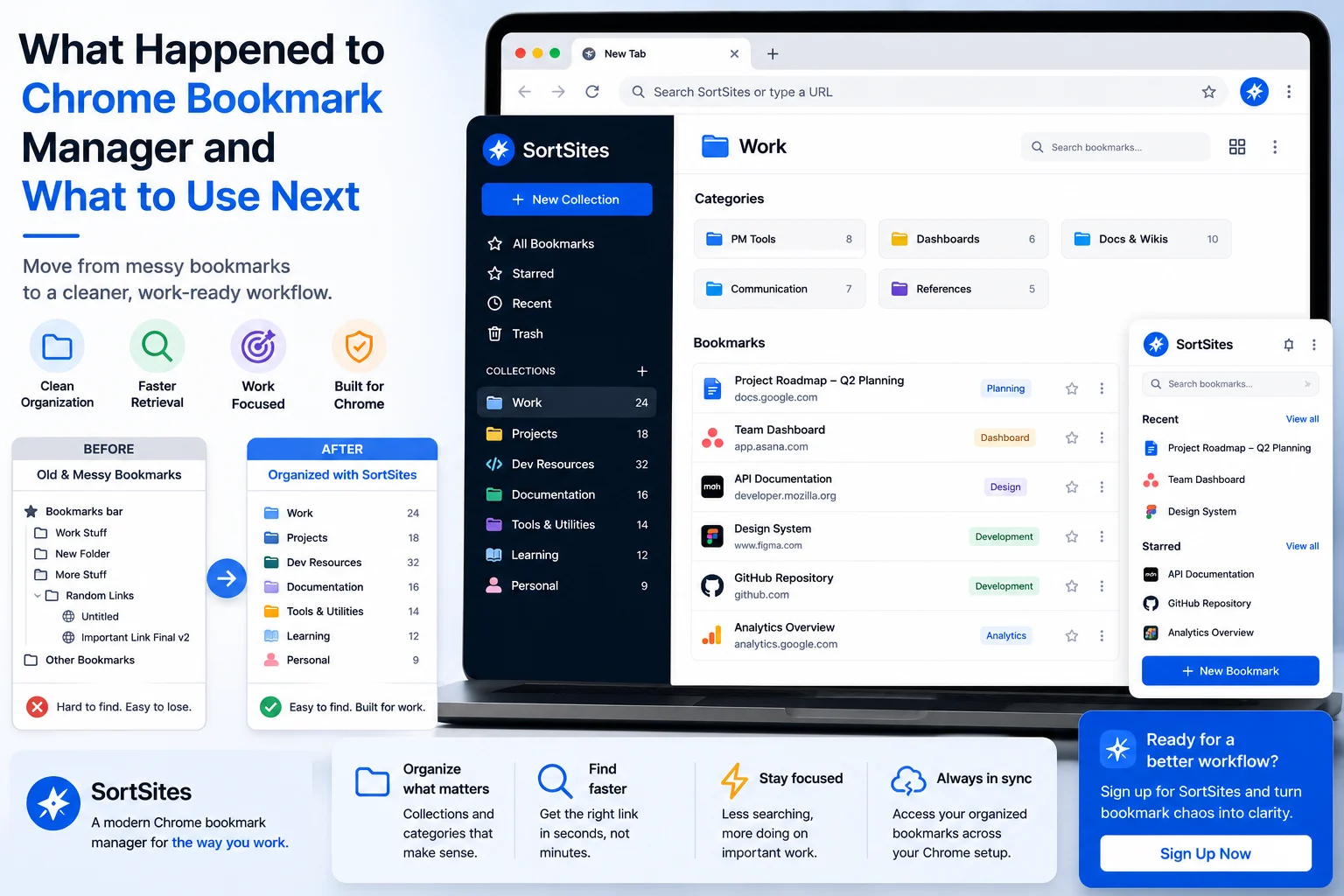
Sortsites helps you move on from asking what happened to Chrome bookmark manager by giving you a cleaner way to organize and retrieve the bookmarks you rely on for work.
Key takeaways
- If the old Chrome bookmark manager felt easier to understand, your real need may be clearer organization and faster retrieval.
- Trying to restore old bookmark manager Chrome behavior does not solve the deeper issue if your bookmarks are already messy.
- Sortsites is a Chrome browser bookmark manager extension built for people who want a neater bookmark organizer.
- Project managers and web developers get the most value when saved links are organized around real work instead of buried in browser clutter.
Why the old bookmark manager problem keeps coming back
When you search for the old bookmark manager Chrome 2017 or old bookmark manager Chrome 2018 experience, you are usually not just looking for an older interface. You are looking for a bookmark system that feels easier to control.
That matters because bookmarks become less useful when they are hard to retrieve. You may have saved the right link, but if you cannot find it quickly during a project, task, build, or research session, the bookmark system is not helping enough.
For work-heavy Chrome users, the goal should be practical: keep useful websites organized so they are easy to return to when your workflow depends on them.
| You miss an older Chrome bookmark manager layout | Do you need an older layout, or do you need clearer bookmark organization? |
| You searched for restore old bookmark manager Chrome | Would restoring an old experience actually make your saved links easier to retrieve? |
| You are comparing the new Chrome bookmark manager experience | Does your current setup support your real project or development workflow? |
| Your bookmarks feel harder to manage over time | Would a focused bookmark organizer make daily retrieval easier? |
How Sortsites fits the new bookmark workflow
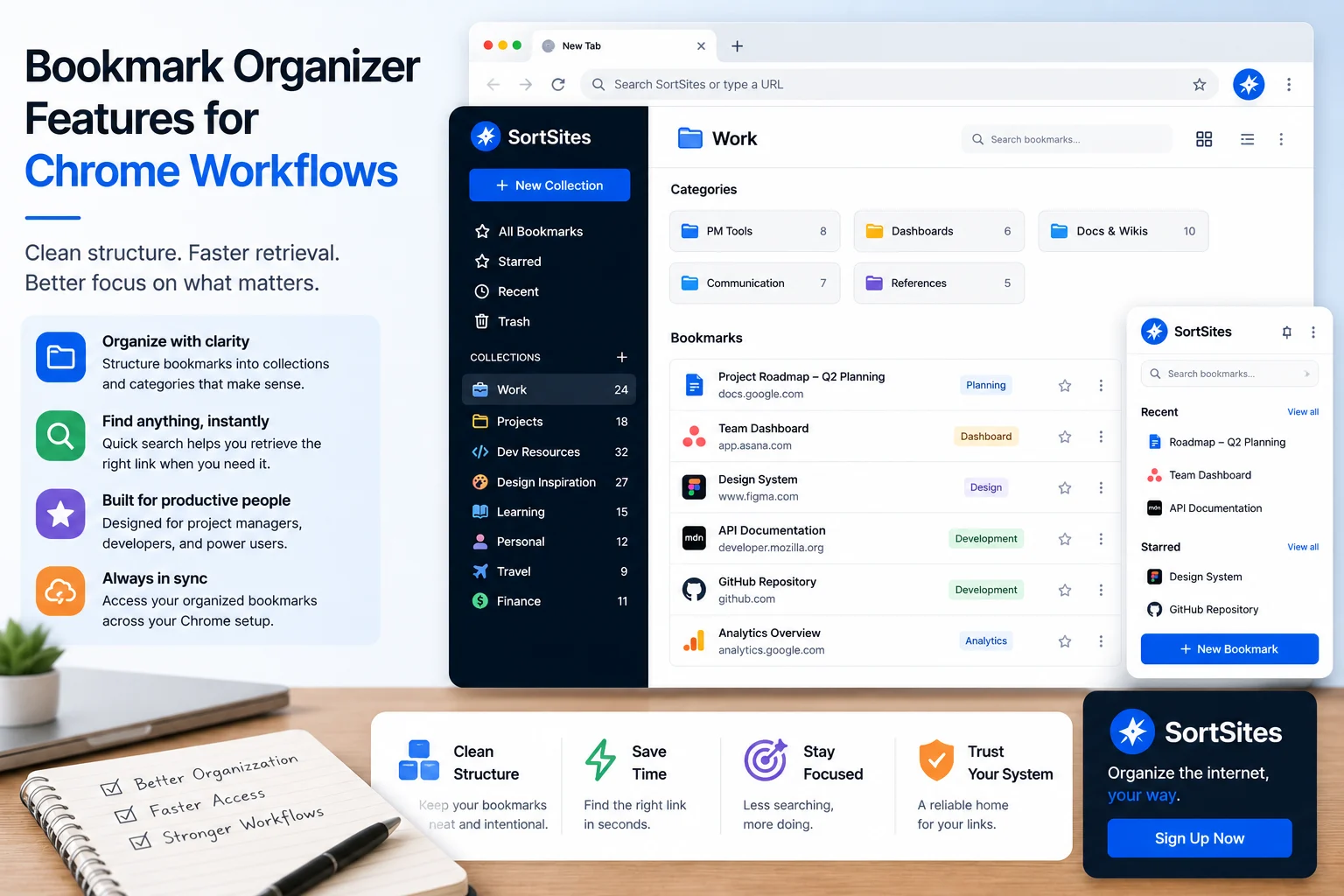
Sortsites is a Chrome browser bookmark manager extension for organizing bookmarks. It is made for users who want a neater way to manage saved links and reduce the friction of finding them later.
Chrome browser focus
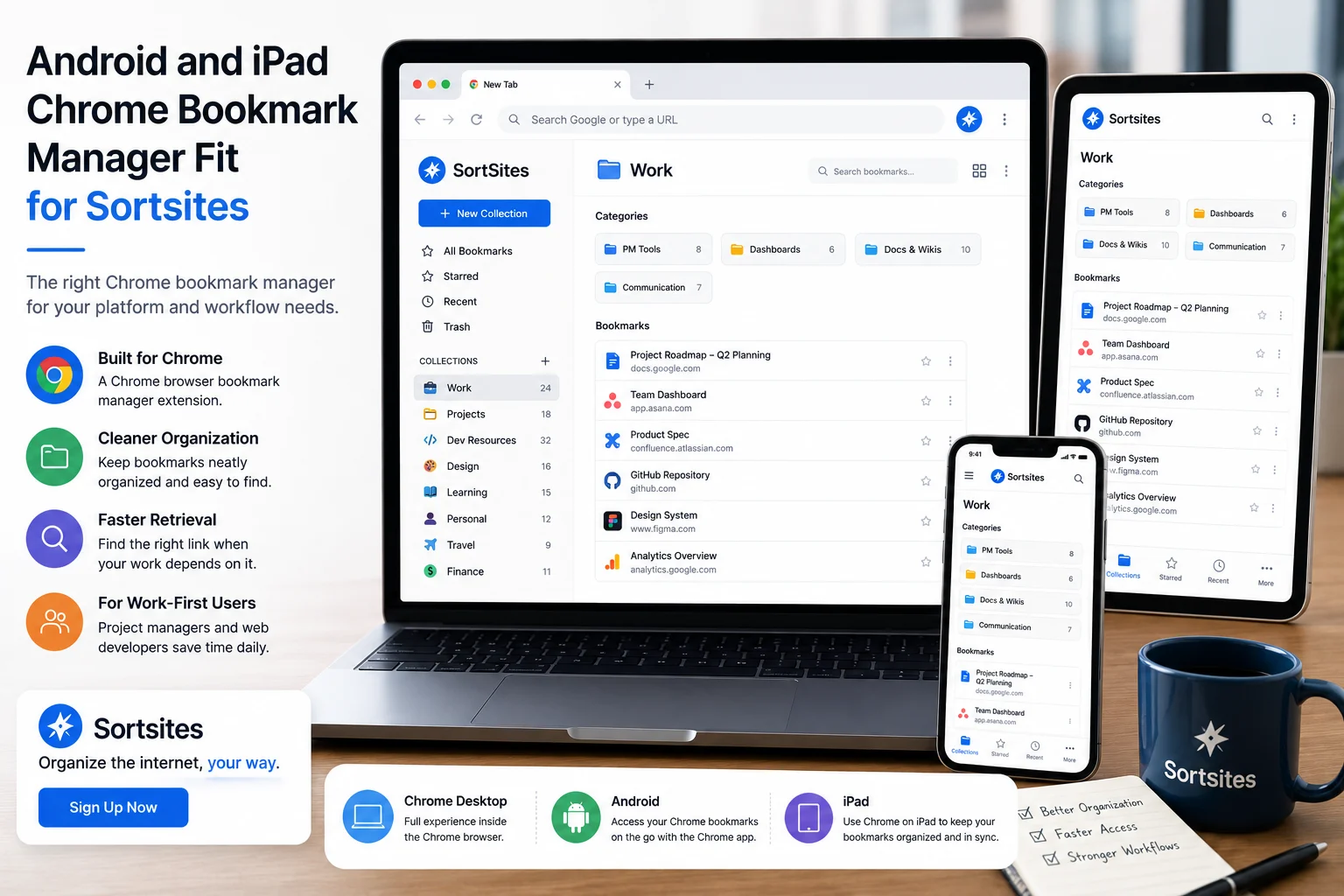
Sortsites fits users who work in the Chrome browser and want their bookmark organizer to support that environment.
Cleaner bookmark organization
The product is focused on helping you organize bookmarks instead of letting saved links become harder to manage.
Quick retrieval purpose
Sortsites addresses the problem of finding saved links faster when your workflow depends on them.
Work-friendly fit
Project managers and web developers can use Sortsites to keep work-related bookmarks easier to manage.
When Sortsites is a better answer than restoring an old setup
Choose Sortsites when your main frustration is not nostalgia for an old interface, but the lack of a reliable bookmark organization and retrieval system. That is the stronger signal that you need a dedicated bookmark organiser.
If you are a project manager, your bookmarks may include plans, dashboards, stakeholder references, research, and recurring tools. If you are a web developer, they may include documentation, repositories, testing resources, examples, and technical references. When those links are scattered, every retrieval costs focus.
- You use Chrome as an important part of your workday.
- You have searched for old or new Chrome bookmark manager options because your current setup feels awkward.
- You save links for projects, development, research, planning, or workflows.
- You want a neat bookmark organizer rather than a broad productivity tool.
- You are ready to sign up for a Chrome bookmark manager extension.
When another option may be enough
Sortsites may not be necessary if your bookmarks are already easy to manage or if you only save a few casual links. In that case, your current Chrome setup may be enough for now.
The fit becomes clearer when saved links are part of real work and your current bookmark experience makes them harder to retrieve. At that point, the better move is not chasing an old bookmark manager. It is choosing a cleaner system for the workflow you have now.
The useful question is not only how to get an old bookmark manager back. It is how to make your saved links easier to trust, organize, and retrieve today.
For the broader product overview and how Sortsites fits the full Chrome bookmark manager workflow, visit the main Sortsites Chrome bookmark manager page.
Legacy bookmark manager questions
FAQs
What should I do if I miss the old Chrome bookmark manager?
Start by identifying what you miss about it. If the real need is clearer organization and faster retrieval, Sortsites may be a better fit than trying to recreate an older setup.
Is Sortsites a Chrome bookmark manager?
Yes. Sortsites is a Chrome browser bookmark manager extension for organizing bookmarks.
Who is Sortsites best for?
Sortsites is best suited to project managers and web developers who use Chrome and want a neater way to organize bookmarks and manage workflows.
Should I use Sortsites if I am searching for restore old bookmark manager Chrome?
Use Sortsites if your real goal is cleaner bookmark organization and quicker retrieval in Chrome. If your only goal is recreating a specific old interface, evaluate that need separately.
Move from old bookmark frustration to cleaner organization
Install Sortsites when you need a Chrome bookmark manager that helps you organize saved links and retrieve them with less friction.